Lotus365

Android APK & iOS Setup Guide · 2026

Lotus365 Download: Official Android APK & iOS Setup Guide (2026)

Explore the Lotus365 download and setup guide for Android and iOS. Learn about APK installation, iPhone browser setup, device compatibility and essential account safety checks before accessing the platform.

✓ Installation Steps ✓ Device Compatibility ✓ Safety Information

Want faster live odds, one-tap login, and smooth gameplay without browser lag? You can complete your Lotus365 download directly from Lotus365 Official in under two minutes.

Because real-money sports and live casino apps are restricted on the Google Play Store, Android users install the official Lotus365 APK file directly. iPhone users can install the lightweight iOS web app through Safari with zero App Store hassles.

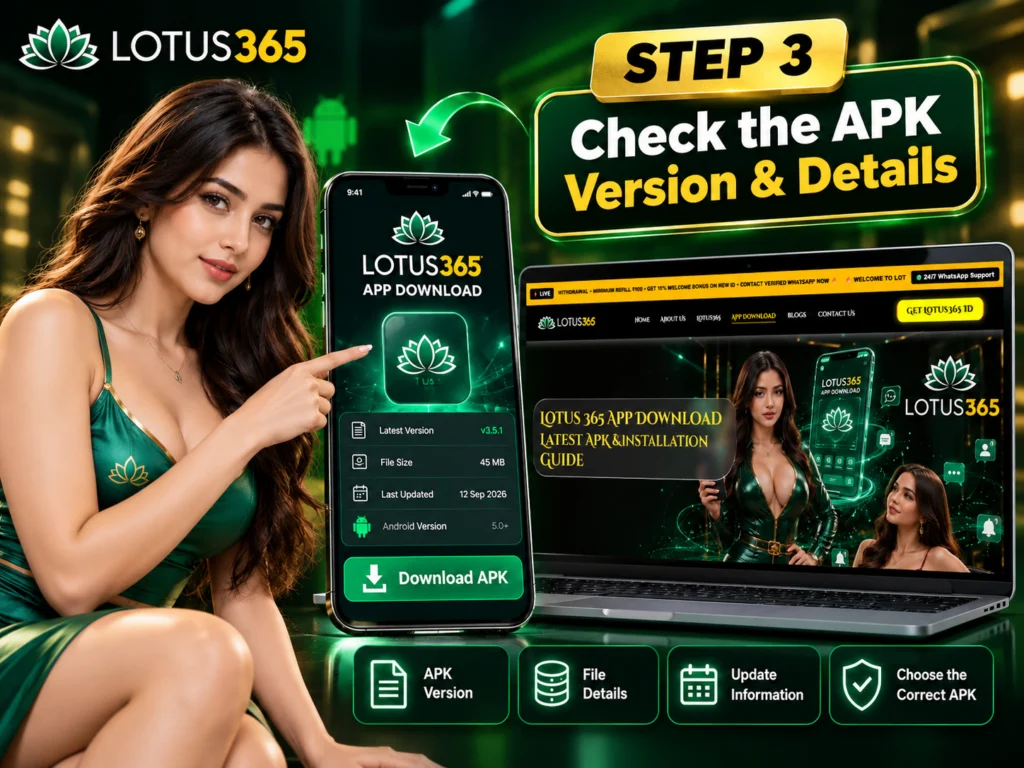
Lotus365 App Details & Latest Version Overview

Before downloading, check the verified file specifications below so you know you are installing the current release.

FeatureSpecification
App NameLotus365 Official Mobile App
Latest Versionv16.5 (2026 Updated Build) (update to match your actual APK file)
File Format.apk (Android) / Safari Web App & Profile (iOS)
Download Size~15 MB – 35 MB (enter exact MB of your hosted APK)
Supported PlatformsAndroid 8.0+ and iOS 13.0+
Cost100% Free Download
Customer Support24/7 WhatsApp & Live Chat via Lotuss365.io
Last VerifiedNovember 2026

How to Download and Install Lotus365 APK on Android

Installing the Lotus365 Android app takes five quick steps. Follow them in order to avoid security pop-ups or broken downloads.

Step 1: Visit the Official Website

Open Google Chrome on your Android phone and go to https://lotuss365.io/. Avoid random APK links shared on Telegram channels or third-party mirror sites.

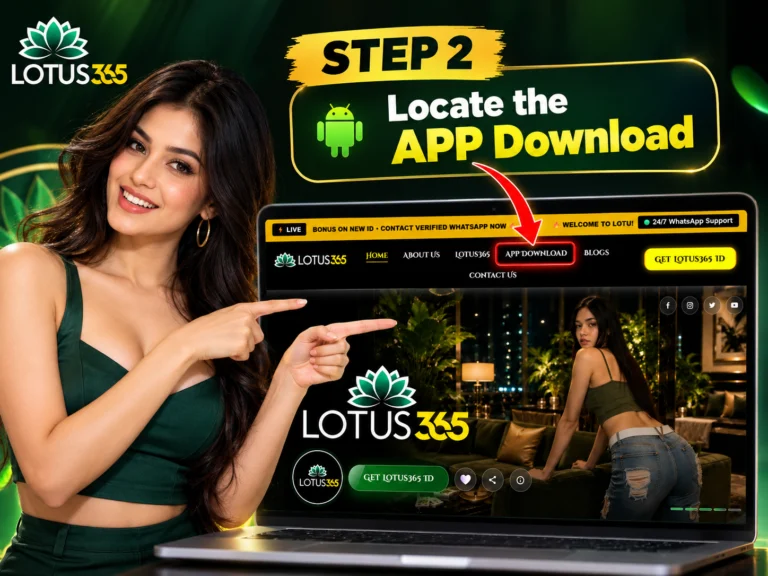
Step 2: Tap the Android APK Download Button

Click the Download Lotus365 APK button at the top of this page. If Chrome shows a standard warning (“File might be harmful”), tap Download anyway—Android displays this alert for every APK downloaded outside the Play Store.

Step 3: Enable "Install Unknown Apps"

Open your phone’s Settings → Security & Privacy → Install Unknown Apps. Select Chrome (or your file manager) and toggle Allow from this source ON.

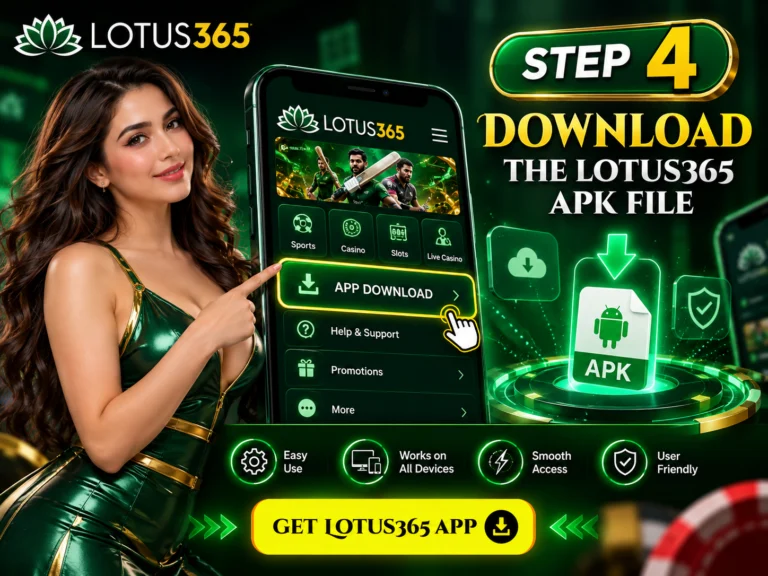
Step 4: Run the Installer

Pull down your notification shade or open your Downloads folder, tap the Lotus365-Official.apk file, and hit Install. Wait 10–15 seconds for setup to finish.

Step 5: Open the App & Log In

Tap the Lotus365 icon on your home screen. Enter your existing User ID and password, or request a new ID via the 24/7 WhatsApp support desk directly from our Lotus365 homepage.


How to Download Lotus365 App on iOS (iPhone & iPad)

Apple’s App Store restricts direct betting and exchange apps in India, so iOS users get the fastest experience using Safari’s native app installation method.

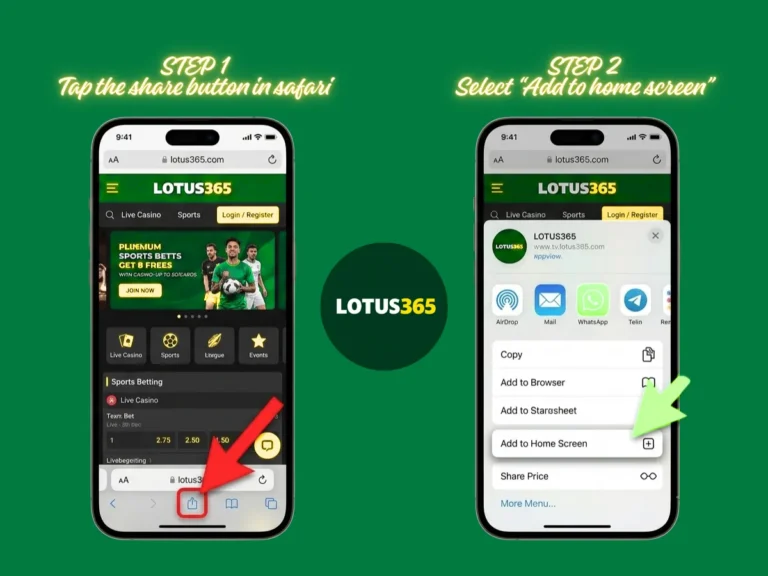
Open Safari on your iPhone or iPad (do not use Chrome for this step).

Navigate to https://lotuss365.io/ and open the Download page.

Tap the Share icon (the square with an upward arrow at the bottom of Safari).

Scroll down and select Add to Home Screen.

Confirm the name as Lotus365 and tap Add.

The Lotus365 app icon now sits on your iPhone home screen and opens in full-screen app mode with instant biometric/Face ID autofill. (Note: If your site provides an Enterprise iOS Profile instead, replace steps 3–5 with:

Download Profile → Settings → General → VPN & Device Management → Trust Developer.)

Step 1: Visit the Official Website

Open Google Chrome on your Android phone and go to https://lotuss365.io/. Avoid random APK links shared on Telegram channels or third-party mirror sites.

Step 2: Tap the Android APK Download Button

Click the Download Lotus365 APK button at the top of this page. If Chrome shows a standard warning (“File might be harmful”), tap Download anyway—Android displays this alert for every APK downloaded outside the Play Store.

Step 3: Enable "Install Unknown Apps"

Open your phone’s Settings → Security & Privacy → Install Unknown Apps. Select Chrome (or your file manager) and toggle Allow from this source ON.

Step 4: Run the Installer

Pull down your notification shade or open your Downloads folder, tap the Lotus365-Official.apk file, and hit Install. Wait 10–15 seconds for setup to finish.

Step 5: Open the App & Log In

Tap the Lotus365 icon on your home screen. Enter your existing User ID and password, or request a new ID via the 24/7 WhatsApp support desk directly from our Lotus365 homepage.

System Requirements for Smooth Performance

You do not need a flagship phone to run Lotus365. Even budget 4G smartphones handle live match streaming and casino tables cleanly if they meet these minimums:

RequirementAndroid MinimumiOS Minimum
Operating SystemAndroid 8.0 (Oreo) or higheriOS 13.0 or higher
RAM2 GB (4 GB recommended for live tables)2 GB (iPhone 8 or newer)
Free Storage100 MB free space50 MB free space
Internet SpeedStable 4G / 5G or Wi-FiStable 4G / 5G or Wi-Fi

Why Use the Lotus365 App Instead of a Mobile Browser?

Many players start on Chrome, then switch to the app during high-traffic or live casino sessions. Here is what actually changes once you install it:

Faster Live Odds & Zero Page Reloads

During live cricket overs, a two-second browser reload can cost you the line you wanted. The mobile app caches interface assets locally so markets refresh in real time without redrawing the screen.

Lower Mobile Data Usage

Because icons, menus, and layouts live on your device, the app uses noticeably less bandwidth on 4G connections than reloading full web pages repeatedly.

One-Tap Login & Quick Account Access

Save your session securely instead of re-typing URLs and credentials every time you check live scores, unsettled bets, or account statements.

Dedicated 24/7 WhatsApp Support Access

Need quick help with account access, deposits, or ID recovery? The app connects directly to the personalized WhatsApp support team featured on Lotuss365.io.

How to Fix Common Lotus365 APK Installation Errors

Fix 1: "App Not Installed" Error on Android

This usually happens when an older version of Lotus365 is already on your phone with a different signature, or storage is low.

Solution: Uninstall the old Lotus365 app first, free up at least 200 MB of storage, and run the fresh APK file again.

Fix 2: "There Was a Problem Parsing the Package"

A parse error means the APK file finished incomplete due to an unstable connection, or your Android OS is outdated.

Solution: Delete the broken file from your Downloads folder, switch to Wi-Fi or stable 4G, and re-download the APK from Lotuss365.io.

Fix 3: Blocked by Google Play Protect

Play Protect automatically flags unrecognized third-party APKs.

Solution: Tap More details on the pop-up and select Install anyway—only if you downloaded the file directly from our official URL.

How to Verify You Have the Safe, Official Lotus365 APK

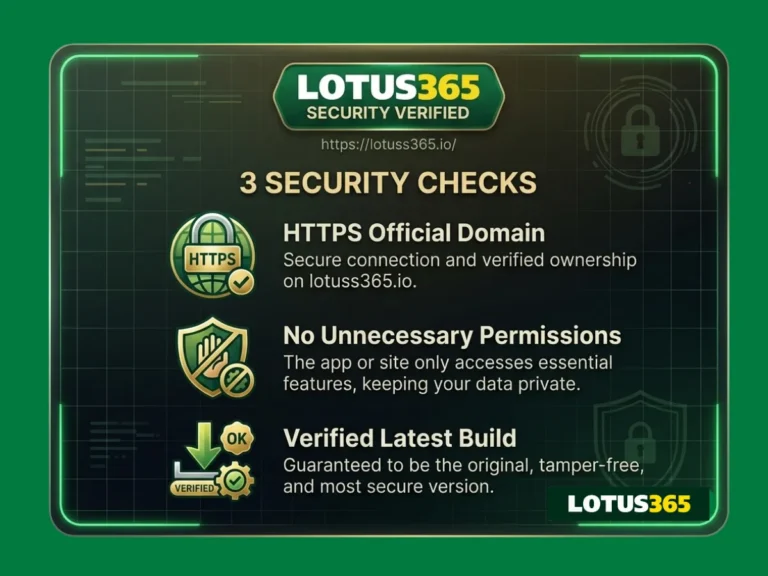
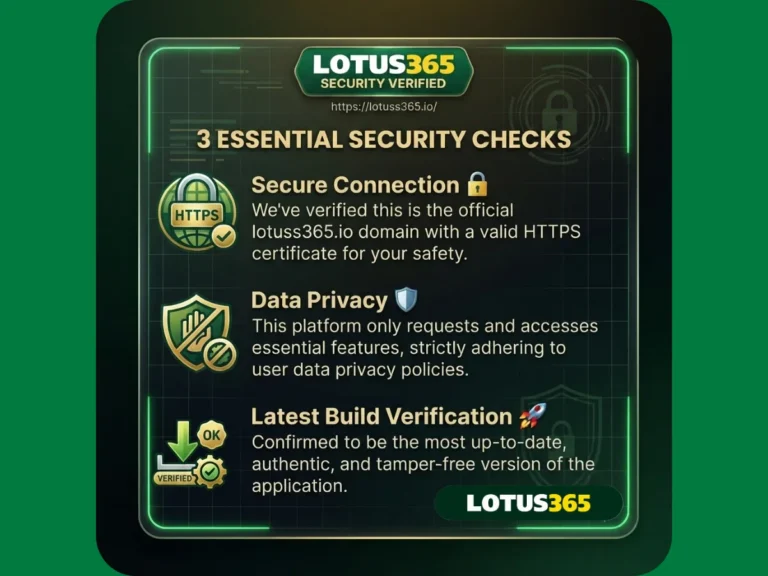
Clone sites frequently distribute fake APKs designed to steal login passwords. Protect your account with three quick checks:

Check the exact domain: Only download from [https://lotuss365.io/](https://lotuss365.io/) with the padlock (HTTPS) active in your browser bar.

Review app permissions: The official Lotus365 app only needs standard internet and storage access. If an APK asks for SMS reading, Contacts, or Accessibility controls, delete it immediately.

Never share your OTP or password: Even on official support chats, staff never need your private password to fix a download issue.

How to Update the Lotus365 App to the Latest Version

Because the APK does not auto-update via Google Play, updating takes 30 seconds:

Open the app—if a new build is live, tap the Update Now prompt.

Alternatively, revisit this page (lotuss365.io/lotus365-download/), download the newest .apk file, and install it right over your existing version. Your balance, bet history, and login stay untouched.

How to Update the Lotus365 App to the Latest Version

Yes. Downloading and installing the official Lotus365 APK for Android or setting up the iOS web app is 100% free with no hidden download charges.

Google Play Store restricts real-money sports exchange and casino applications in several regions & areas, including India. Downloading the verified APK directly from Lotuss365.io is the standard and official installation method.


Yes. Your Lotus365 account syncs across web and mobile. Simply enter your existing username and password after installing the app—there is no need to create a second ID.All data will remain unchanged.


Yes, provided you download the file exclusively from the official website (lotuss365.io). Never install APK files sent by unknown contacts on WhatsApp, Telegram, or unofficial blogs or other websites.

If it is available, notifications can show important sports updates, account alerts, and news from the platform. Take a moment to check your notification options. That way you can choose what you want to see and cut down on alerts you do not need.

Yes. iPhone and iPad users can install the Lotus365 web app directly onto their home screen through Safari in under a minute, giving full-screen access to all sports and casino markets.